
Most “free” piano apps aren’t really free. They give you a taste of lessons, then cut you off after 15 minutes and guilt-trip you into subscribing. If you’ve tried a few already, you know exactly what I mean — the progress bar hits a wall and suddenly you need to “unlock” the next lesson.
But there are genuinely free options out there that give you real, usable content without constantly nudging you to pay. We’ve looked at all the main ones and separated the actually free from the “free-ish” — and I’ll tell you which ones to trust.
Yes, genuinely free piano apps exist, and the good ones are listed below. Start there — I am not going to talk you into spending money you do not need to spend. The honest catch is that free apps teach you to follow along rather than to understand what you are playing, which is why most people hit a wall around month three. If what you are really avoiding is another monthly bill rather than paying at all, Pianoforall is the one-time option worth knowing about: about $49 once, no renewal, 60-day money-back guarantee. Price approximate at the time of writing.
What to Expect From Free Piano Apps
Let’s be realistic: no free app is going to replace paid lessons or a premium subscription. But the good ones can absolutely take you from zero to playing simple songs and understanding basic music theory. That’s a meaningful starting point, and it’s often enough to figure out whether you want to invest more.
The main limitations you’ll usually hit with free apps are: daily practice caps, restricted song libraries, and missing feedback features. Knowing this upfront helps you make the most of what’s available.
Piano — Play Any Song (iOS/Android) — Genuinely Free
This app (just called “Piano” by Gismart) is one of the best truly free options available. It’s not a lesson-based app — it’s more of a digital piano with sheet music — but it includes a large library of songs you can learn to play at your own pace using falling-note gameplay (similar to Guitar Hero for piano).
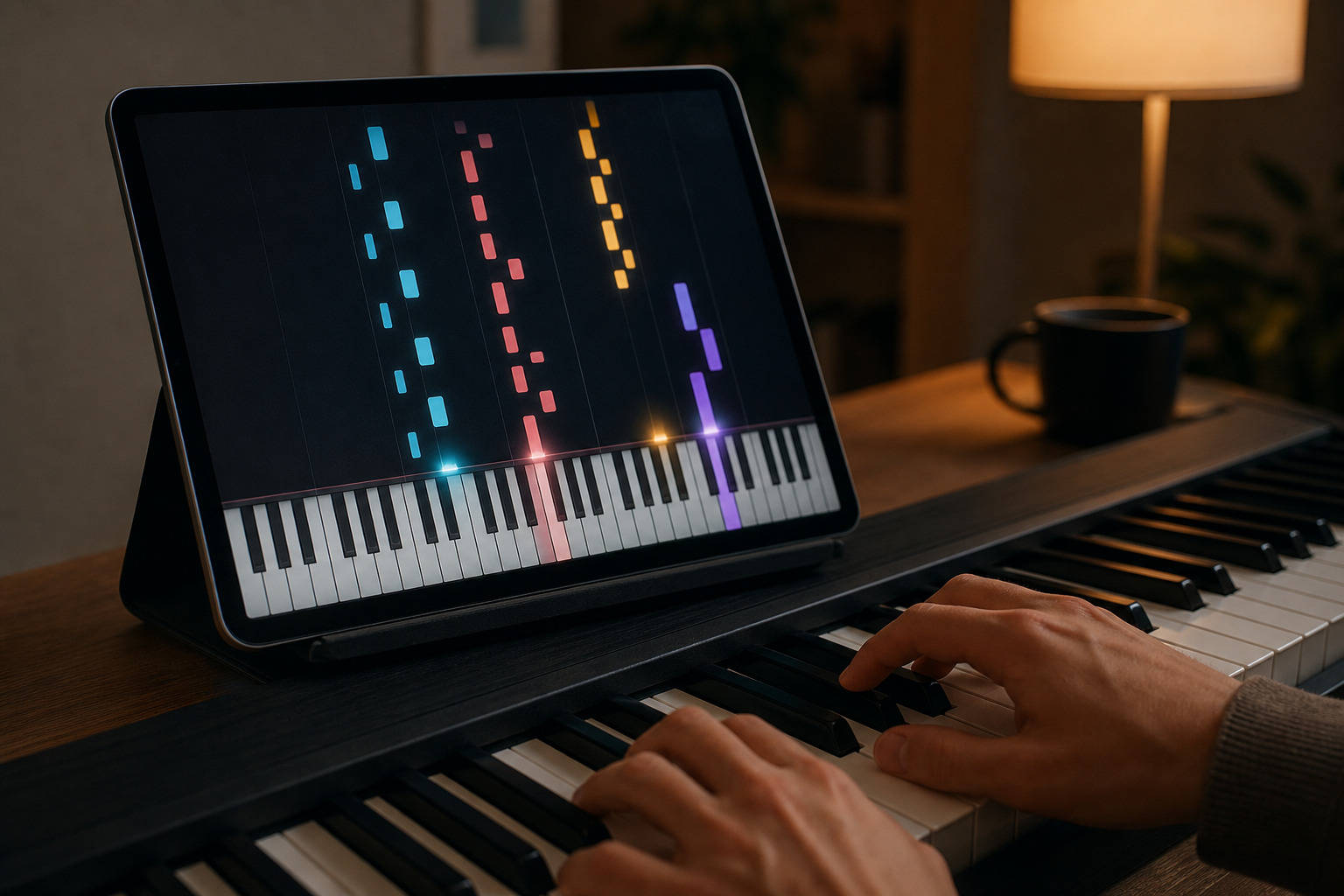
The falling notes approach won’t teach you to read sheet music, and it won’t build proper technique. But it’s a low-pressure way to build finger independence and coordination, and it’s actually fun. If your goal is just to pick out melodies of songs you love, this app does it well without charging you anything.
Yousician — Best Free Structured Lessons (With Daily Cap)
Yousician’s free plan is the most structured free option available. You get real lessons — proper ones, with note reading, rhythm exercises, and technique guidance — for about 10-20 minutes per day before the cap kicks in. After that, it locks you out until the next day.
The frustrating thing is that 15-20 minutes is genuinely not enough for a solid practice session. But it’s enough to learn the basics over a few weeks if you’re consistent. And here’s a trick: the cap resets at midnight, so if you practice late at night and then again in the morning, you effectively get two sessions per day.
Overall, if you want structured lessons with real feedback for free, Yousician is the best starting point. Just go in knowing the cap exists.
Synthesia — Free Version With MIDI Keyboard
Synthesia is a desktop and mobile app that uses the falling-notes approach but is significantly more sophisticated than most. The free version gives you access to a solid library of songs and unlimited practice time — the paywall is mainly around sheet music display and some learning features.
Where Synthesia shines is with MIDI keyboards. If you connect a MIDI keyboard to your computer, it tracks your note accuracy in real time and lets you play through songs at custom speeds. It’s one of the best free tools for building song repertoire, even if it won’t teach you music theory.
MuseScore — Free Sheet Music Player and Learner
MuseScore is primarily a sheet music library and notation tool, but it has a surprisingly useful free learning component. You can download millions of pieces of sheet music, listen to playback, and follow along in the app. It’s the best free resource if you already know some basics and want to expand your repertoire.
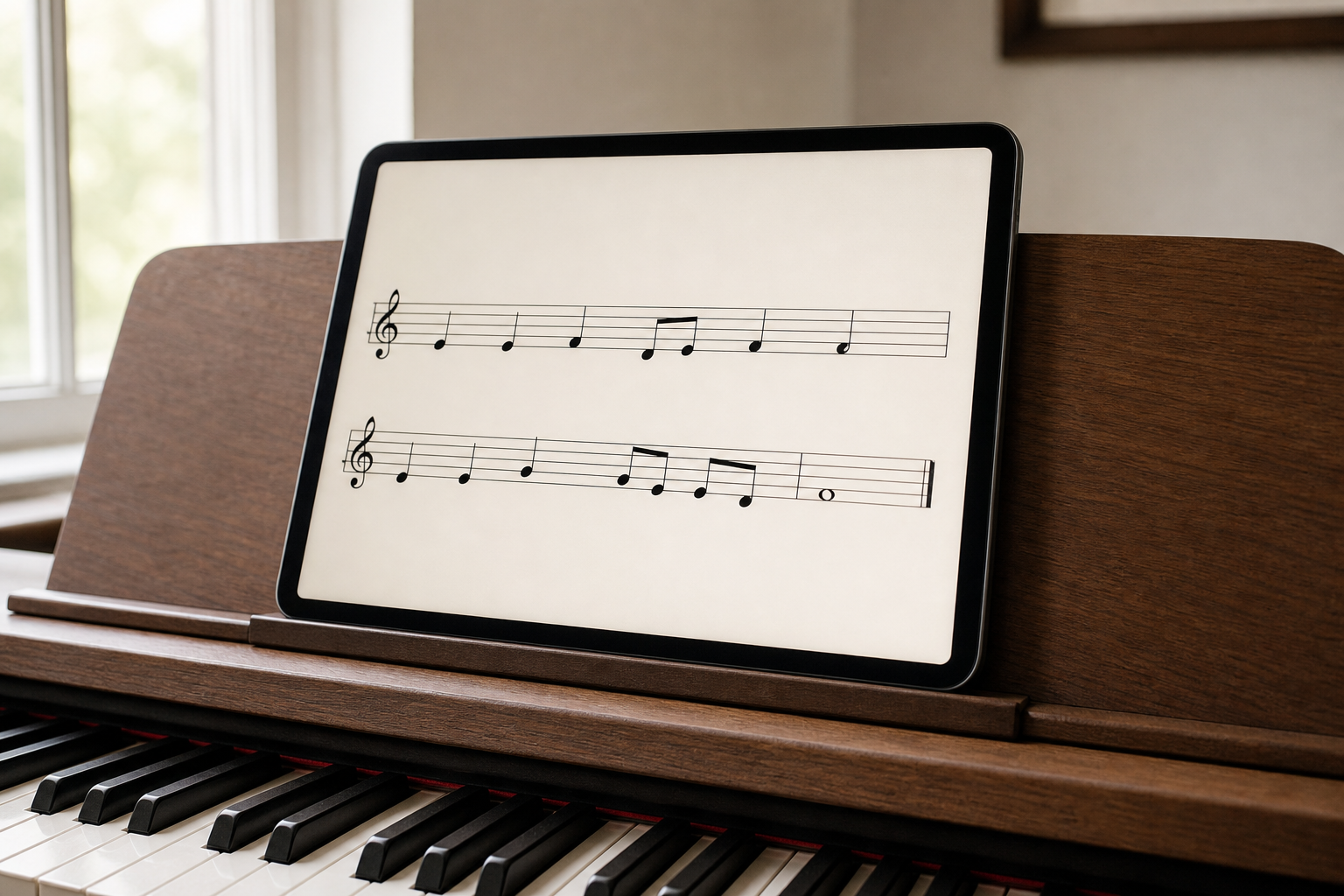
The catch is that MuseScore doesn’t teach you from scratch. You need to already understand how to read sheet music or be learning alongside another resource. But as a free sheet music library, it’s genuinely invaluable — especially for classical pieces that would otherwise cost money to access.
Piano Maestro (for Kids) — Free With School Access
If you’re looking for a free app for a child, Piano Maestro by JoyTunes is worth knowing about. Many schools have subscriptions, which means students can access it for free through their school login. It uses a game-like format that kids genuinely enjoy, with characters, rewards, and songs they recognise.
Check with your child’s music teacher — there’s a good chance access is already available to them at no cost.
The Honest Take: When to Go Free vs. Paid
Free apps are great for: testing whether you’ll stick with piano, casual learning of specific songs, supplementing a paid subscription or real lessons, and kids who want something fun without financial commitment.
You’ll probably want to upgrade when: you’ve hit the daily cap for weeks and still want more, you want proper note-reading instruction that goes beyond basics, or you’re serious enough about piano that you want structured long-term progress.
For most people, starting free and upgrading after 2-3 months is the smartest approach. You’ll know by then whether you’re going to stick with it — and that’s worth knowing before you commit to an annual subscription.
When free has taken you as far as it goes
Everything above is genuinely free and worth using — start there. The wall most people hit is that free apps teach you to follow along, not to understand what you are playing. If you reach that point, the choice is another subscription or a course you buy once. Pianoforall is the second kind: around $49 one-time, no renewal, 60-day money-back guarantee. Price approximate at the time of writing.
See Pianoforall →The best genuinely free piano app depends on what you need: Yousician for structured lessons, Synthesia for song-based practice with a MIDI keyboard, MuseScore for sheet music access, and Piano by Gismart for zero-commitment fun. None of them are perfect, but all of them can help you make real progress — especially if you combine two or three together.
If You Do End Up Paying, Buy in This Order
Almost everyone who searches for free piano apps ends up paying for something within a year. That is not a failure, it is just what happens when you discover you actually like this. The mistake is not paying — it is paying for the wrong thing first.
Start with whatever is free, for a month. Everything above costs nothing. A month of Yousician’s capped lessons or Synthesia with a MIDI keyboard answers the only question that matters at this stage, which is not “which method is best?” but “am I going to sit down at the piano four times a week?”. Most people find out the answer is no, and the free apps let them find that out for free.
If the answer is yes, buy the refundable thing next. Pianoforall is around $49 once with a 60-day money-back guarantee through ClickBank, so the downside is capped and there is nothing to cancel. If you had gone straight to an annual subscription instead, you would be eleven months into a plan you may not be using.
Only then add a subscription, and only if you can name what is missing. After a couple of months of chord-first practice you will know whether the gap is motivation or accuracy. If you keep skipping practice and need something that nags you and rewards streaks, that is what the apps are built for. If you keep playing wrong notes without noticing, the real-time feedback is worth paying for too. Those are good reasons. “I have not opened it in three weeks” is not.
What I would not do is buy two things at once. They teach in opposite directions, and splitting thirty minutes a day across two methods is the fastest way to make slow progress at both.
Decided already? Get Pianoforall — about $49 once, 60-day guarantee →
Or read the full review first if you want the detail on what is inside.
Use the free apps first — genuinely, there is no reason not to. When you hit the wall, the question is whether you want to keep renting your lessons or own them. If it is the second, Pianoforall is where I would put the $49.
If the free apps have helped you decide that you want to keep learning, you do not necessarily need to jump into another subscription. Our Pianoforall review looks at a self-paced alternative sold for a one-time price, including who it suits and what you give up compared with an interactive app.
Disclosure: Some links on this page are affiliate links. If you purchase through them, we may earn a small commission at no extra cost to you. We only recommend products we genuinely believe in.